

A table with decision explanations — details
Here is the context for this part of the site. Practice Mode is a six-seat virtual-chip game against five computer opponents. It uses the same Hold’em rules as the main table and adds short explanations of your available choices. Your saved practice table and statistics stay separate from the other game modes. The surrounding sections explain the related topics in more detail.
Start with a single learning goal
This overview brings the relevant details together. Choose one skill for a session, such as reading the board, locating the button or checking the minimum raise. Trying to change every part of your play at once makes review difficult. A clear focus helps connect a decision with the guide that explains it. The surrounding sections explain the related topics in more detail.
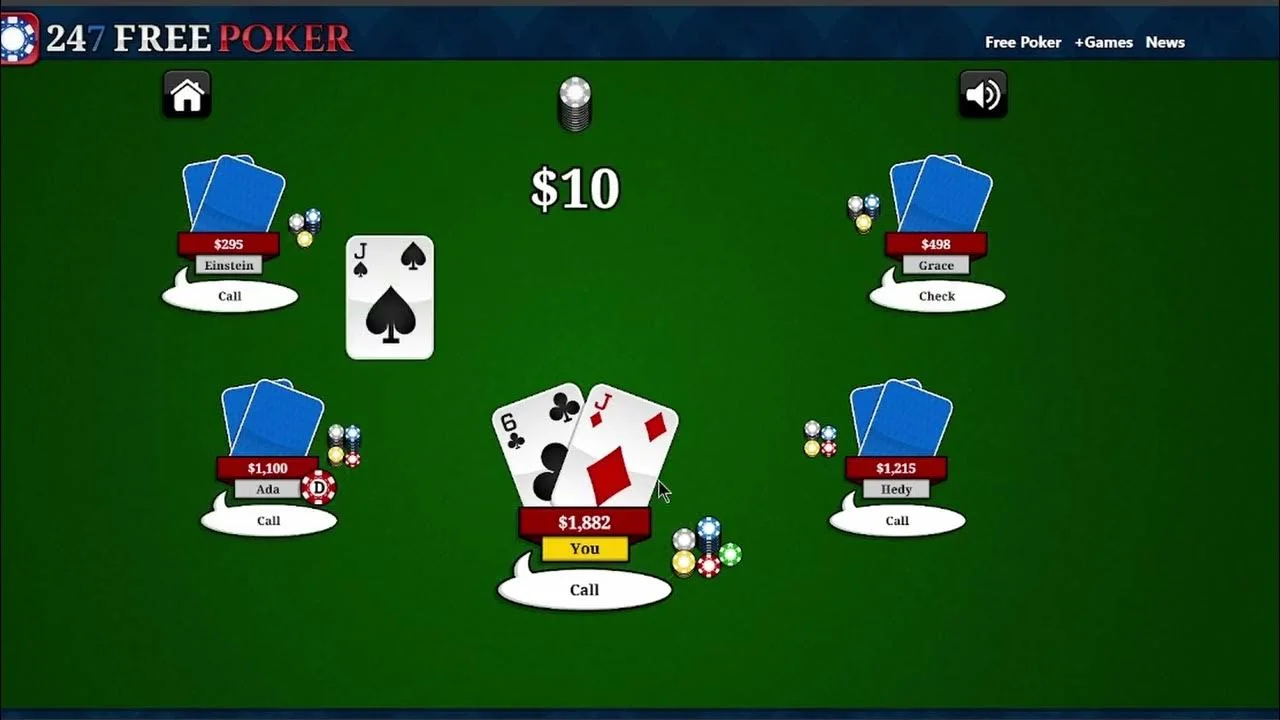
Read the immediate price — details
Here is the context for this part of the site. When you face a wager, the practice note shows the call amount and its ratio to the pot after calling. This describes the price of continuing, not your chance of winning. Future betting and side-pot eligibility can make a full decision more complicated than that single number. Use this explanation as a reference during your next visit.
Use the check opportunity — details
Consider these points when using this feature. If you owe no chips, the note explains that checking keeps your hand live without adding to the pot. Betting remains a separate choice when legal. Consider which weaker hands could call and which stronger hands might fold before selecting an amount. A careful reading can help you distinguish the different situations.
Inspect your current hand
Keep these details in view as you continue. Once the flop is dealt, the table names your best currently available hand category. This helps distinguish a made hand from a draw. It does not compare your cards with hidden opponent cards, and a strong current category can still lose after the turn or river. A careful reading can help you distinguish the different situations.
Take time before committing
Consider these points when using this feature. The pause control stops computer decisions and locks your betting controls until you resume. You can use that time to read the action log or a guide in another tab. There is no decision clock that forces a fold while you think at this practice table. Use this explanation as a reference during your next visit.
Try different legal sizes — details
Here is the context for this part of the site. The number field, slider and pot shortcuts offer different ways to choose a legal total wager. Compare how a smaller or larger size changes the price offered to an opponent. A single response from the computer is a sample outcome, rather than a reliable rule about that size. Revisit the relevant section if a detail is unclear.
Use virtual refills deliberately
For this topic, keep the following in mind. After a completed hand, a free refill can restore your stack when it is below the starting amount. New table resets every seat after confirmation. Refills keep practice available, but reviewing a losing decision before resetting can make the session more informative. A careful reading can help you distinguish the different situations.
Review without revealing folded cards
For this topic, keep the following in mind. Completed-hand history includes your cards and non-folded opponents' revealed showdown cards. Hidden folded cards are not included in that review. This keeps the review focused on information you could observe through ordinary play instead of retrospective access to every private hand. Keeping the full context in mind helps avoid misunderstandings.
Move between learning and playing — details
The key details are straightforward. How to Play and Betting Rules explain legal actions, while Starting Hands, Position, Bluffing and Pot Odds discuss decisions. Return to the practice table to apply one concept at a time. Results remain local to this browser and carry no real-money or ranking value. Read this alongside the related information on this site.